Need this made?Get pricing for this product: free, no obligation, 50 pieces minimum.
For photo and logo t-shirts, the artwork decides the method. A photo print t shirt is usually best made with DTF printing, which reproduces full colour, gradients and photographic detail with no setup per colour. A logo in one to three solid colours on a run of the same design is usually best screen printed. Either way, send the highest-quality file you have: vector for a logo, 300 dpi at the printed size for a photo.
Our orders start at 50 pieces per design with sizes mixed freely, so this guide is written for runs: a team or club, an event or reunion, a staff day, a school year group or a brand drop. If you want a single shirt as a gift, a print shop will serve you better than a production run.
T shirt logo design: getting a logo ready to print
We print your logo; we do not design it. If you are still working on the logo itself, a designer can make these choices with you, and you can upload the result to the Design Studio to see it on a tee before you ask for a quote. A logo that prints well on a t-shirt usually has:
- Vector artwork (AI, EPS, PDF or SVG), so the edges stay crisp at any size.
- Lines and text thick enough to survive at the size it will print, especially on a left chest.
- A one-colour version for dark garments, or colours that stand out on the tee you have chosen.
- Pantone references for brand colours that must match.
- Fonts outlined, or supplied with the file.
If all you have is a small image from a website or a social profile, send it anyway and say so. We check every file and tell you if anything needs changing before the proof is drawn up. The guide to whether you need vector artwork explains why the file type matters.
Photo print t shirt: preparing the image
A photo prints exactly what is in the file, edge to edge, so the work happens before you send it. Check these points first:
- Use the original photo, not a screenshot or an image saved from social media, which is compressed.
- Aim for 300 dpi at the printed size. A print 30 cm wide needs roughly 3,500 pixels across; a small web image enlarged will print soft.
- Remove anything that should not print, such as a white box behind a cut-out subject. A PNG with a transparent background works best.
- Choose photos with a clear subject and strong contrast. Busy images with subtle detail read poorly on fabric from a few feet away.
- Only print photos you have the right to use, and ask the people in them first.
Which print method suits a photo or a logo?
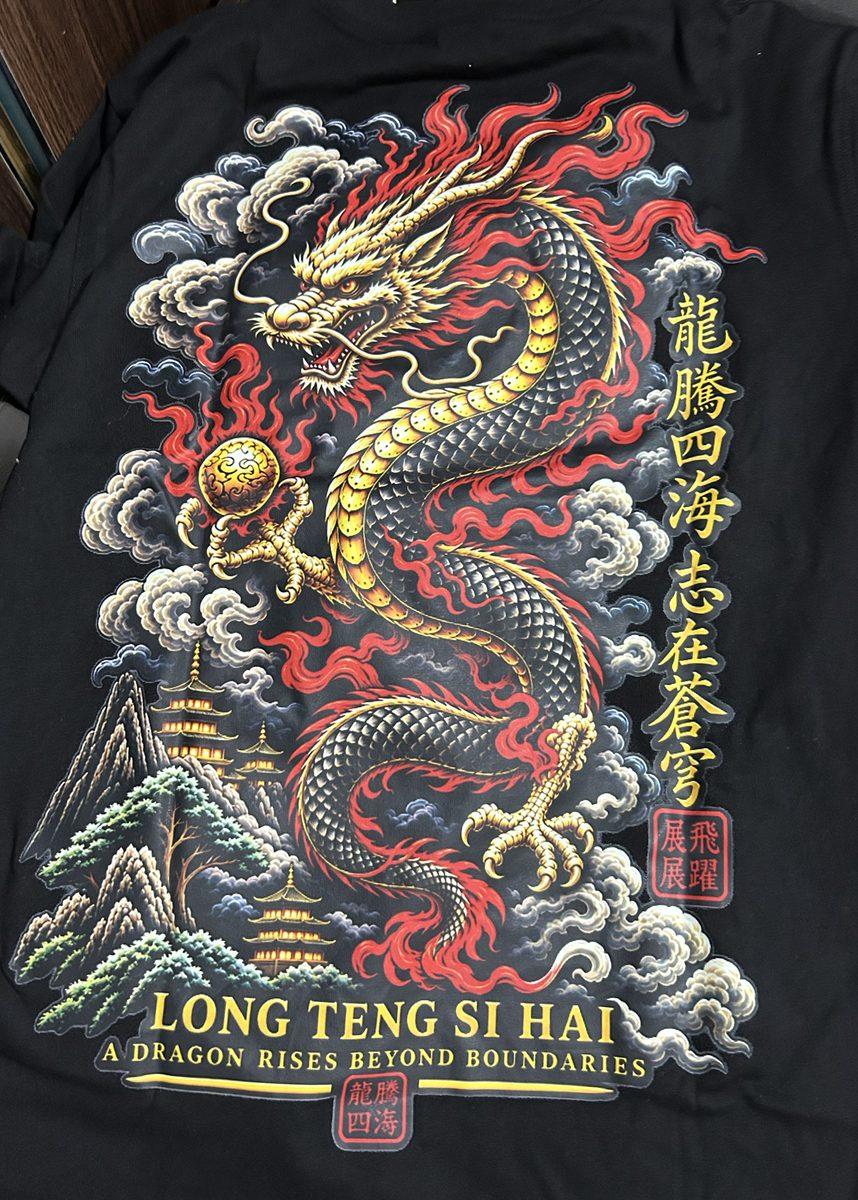
DTF printing prints the design onto a film in full colour over a white base layer, then heat-presses it onto the tee. That white layer is why a photo stays bright on a black or navy shirt as well as a white one, and it works on cotton, polyester and blends. Screen printing pushes ink through a mesh screen, one screen per colour, which suits bold logos at volume but not photographs. The t-shirt printing page compares every method on our tees.
| Method | Photos | Logos | Garments |
|---|---|---|---|
| DTF | The usual choice: full colour, gradients and fine detail | Good for full-colour logos | Cotton, polyester and blends, light or dark |
| Screen print | Not the right fit for photographic art | Bold logos in a few solid colours, best value at volume | Tees, hoodies and more |
| Sublimation | All-over and edge-to-edge designs | All-over designs | Polyester only |
| Embroidery | Not for photos | Small chest and sleeve logos, stitched and raised | Most garments |
The colour count makes no difference to DTF setup, which is why a ten-colour illustration costs no more to set up than a one-colour mark. For a deeper look at photographs on fabric, read the best method for a photo print.
Personalised photo t-shirts front and back
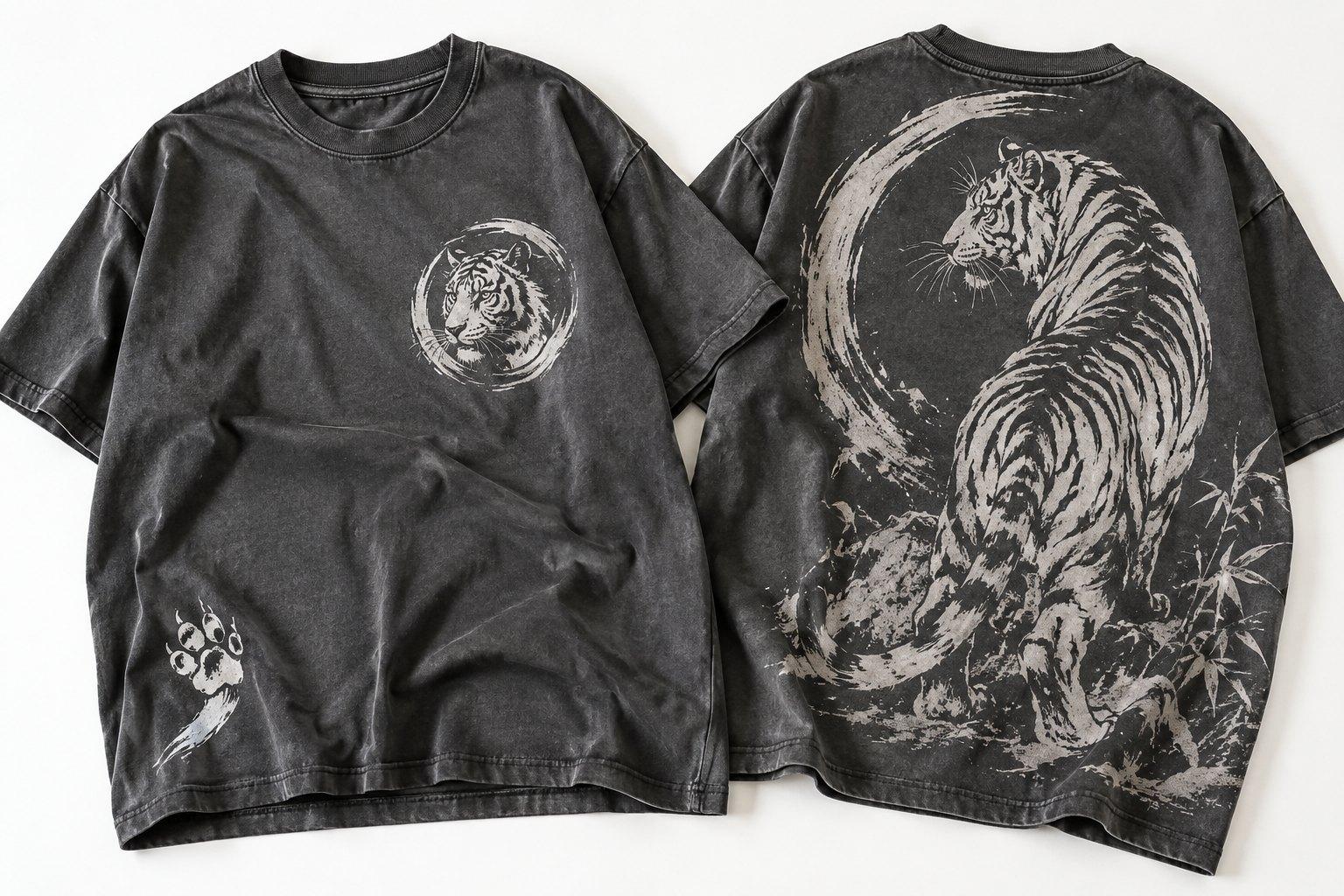
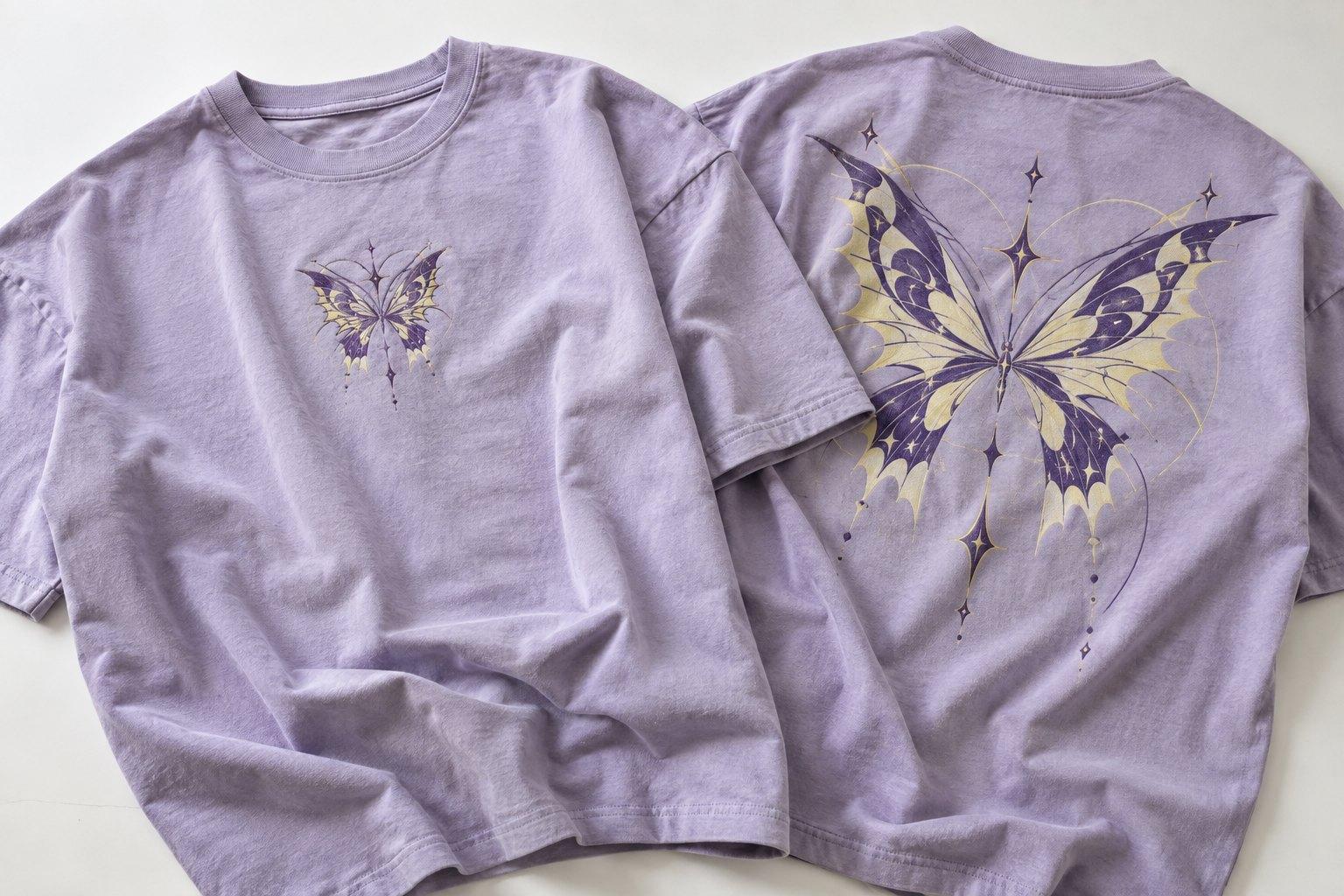
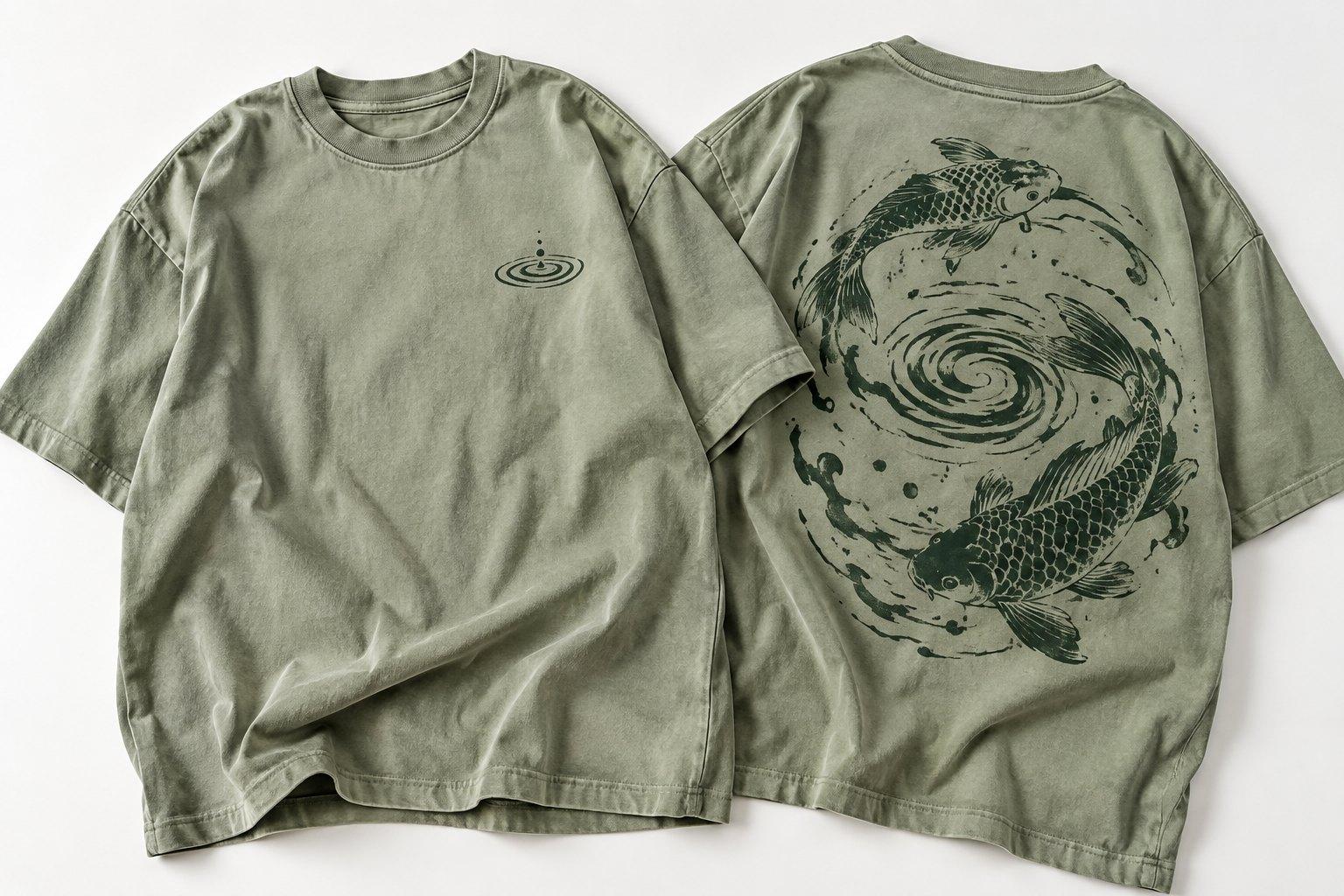
Front, back, left chest, sleeves and the back of the neck are all common placements, and you can combine them on one tee. A popular layout for an event is the photo across the front with a logo, a date or a short line on the back. A brand might put its logo small on the chest and a large graphic on the back, or a small mark just below the back collar.
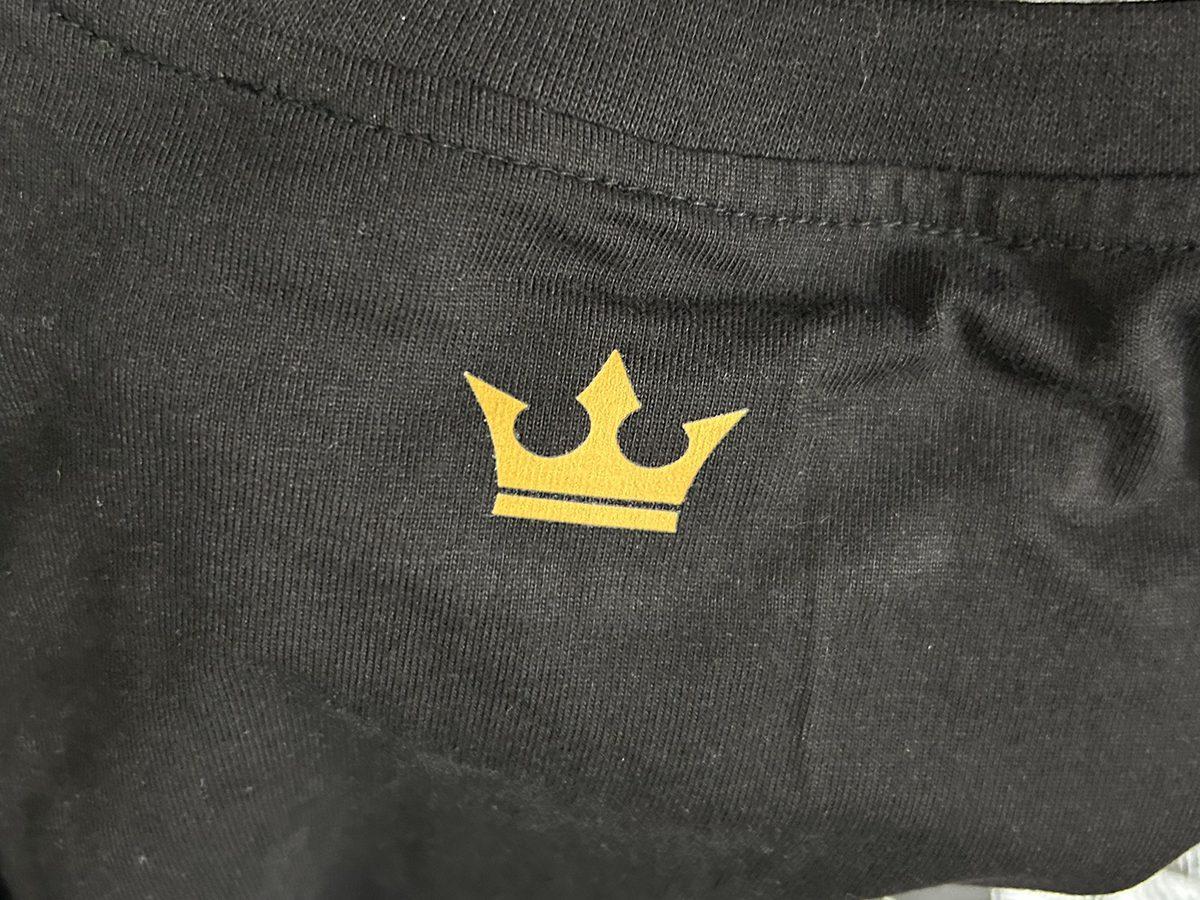
Each extra placement is priced on top of the first print, and the digital mockup shows every position at its real size, so you can adjust before production. One thing to plan for: the minimum is per design, so if every wearer wants a different photo, each photo counts as its own design with its own 50 pieces. Most groups choose one shared photo for the run. Front print or back print helps you decide where each element goes.
What do photo and logo t-shirts cost, and how long do they take?
Printed tees start from £11 each at the 50-piece minimum, on combed ring-spun cotton from 150 to 240 GSM. The price moves with the tee weight, the print method, the number of placements and the quantity, with tiered pricing up to 35% off at 1,000 pieces or more. Production takes 10 to 15 working days from proof approval and the 50% deposit, then the order ships tracked.
If you have a fixed event date, say so when you enquire so the timeline is planned around it. To see the print in your hands first, a sample of one or two pieces costs £150 with shipping included, and the £150 is credited against your bulk order.
How to order photo or logo t-shirts
- 1Send your photo or logo file, the quantity, the size split, the tee colour and where each print goes.
- 2We check the files and recommend a print method.
- 3Approve a digital mockup showing each print at its real size, with an itemised quote.
- 4Production runs for 10 to 15 working days, and the tees ship tracked to you.