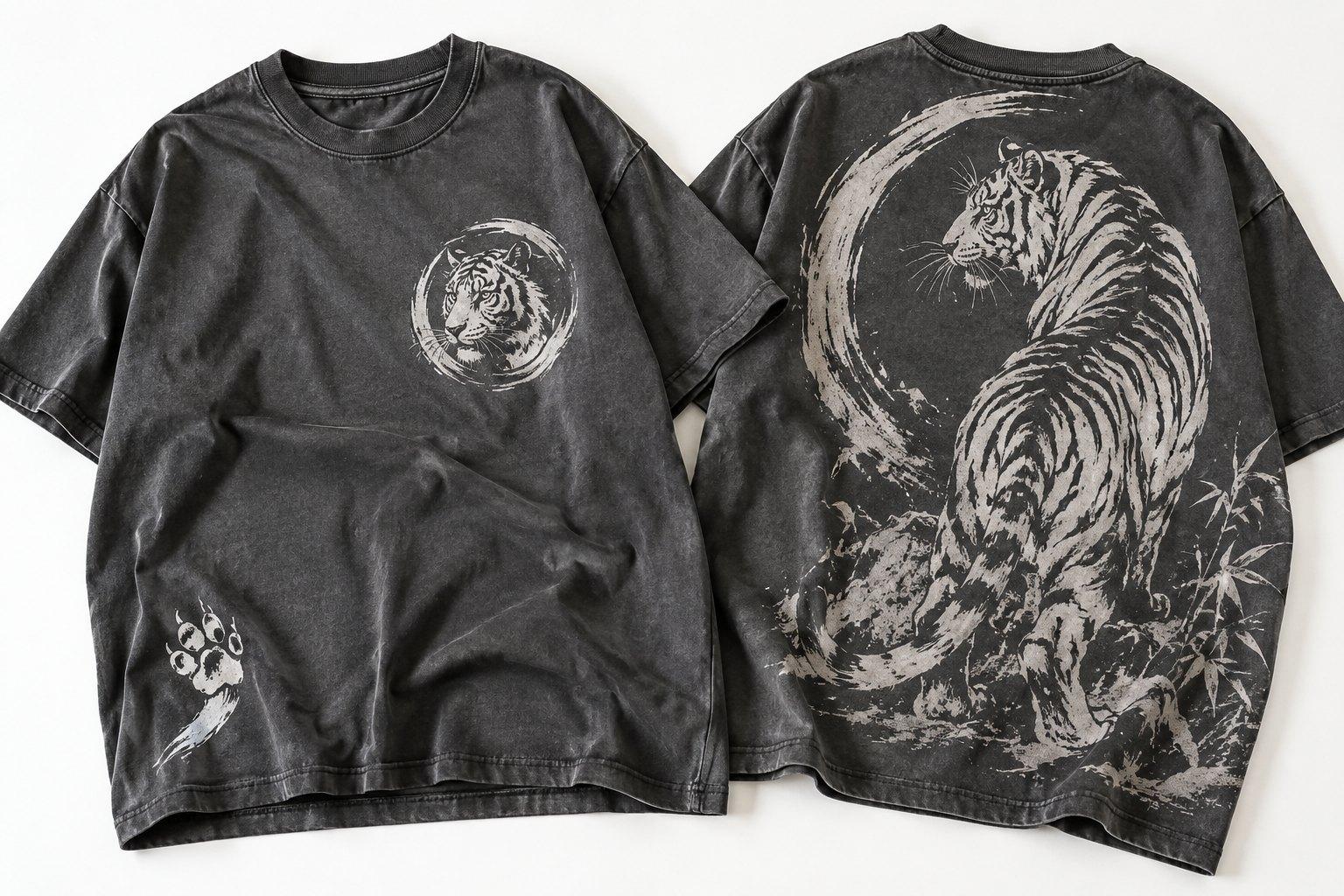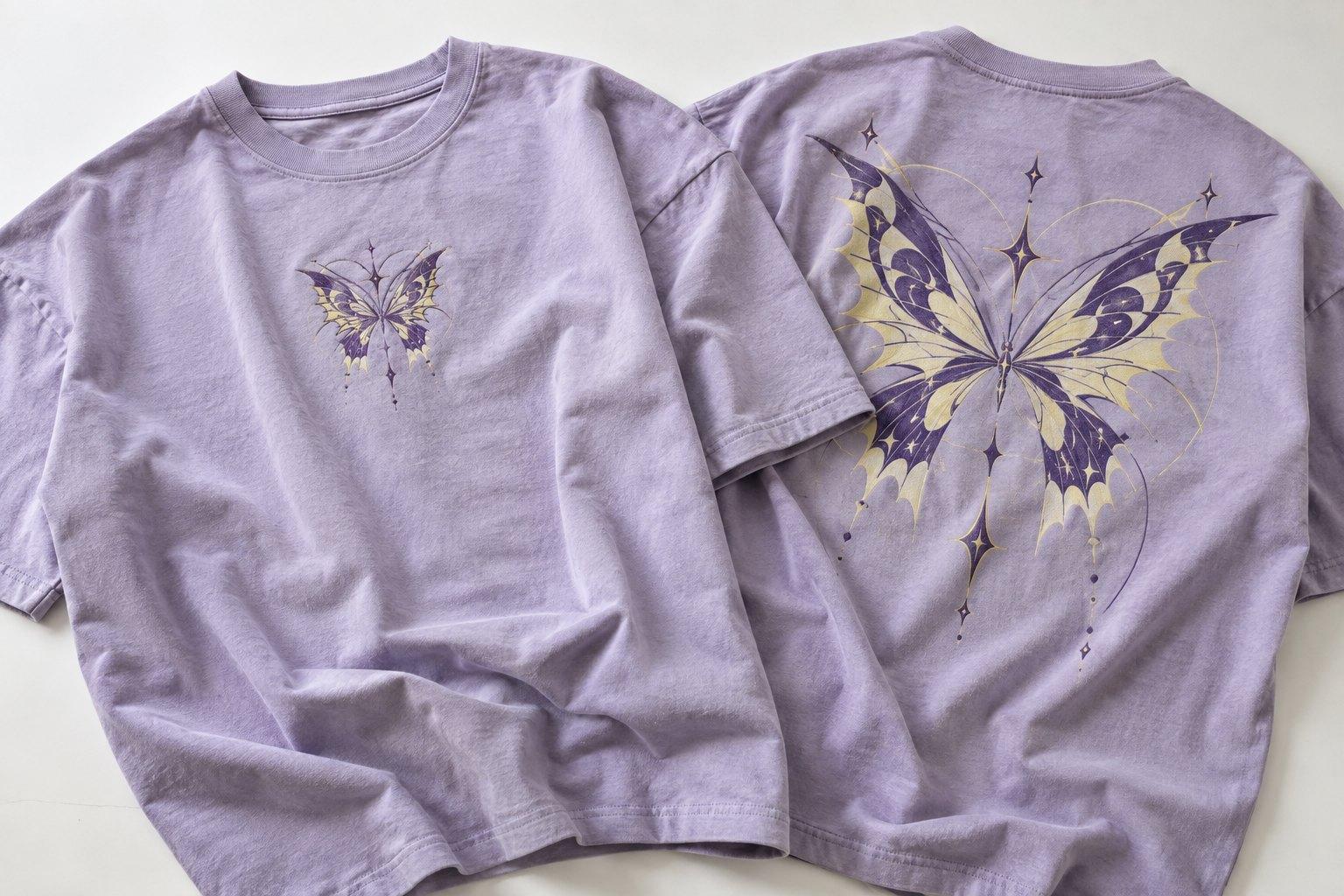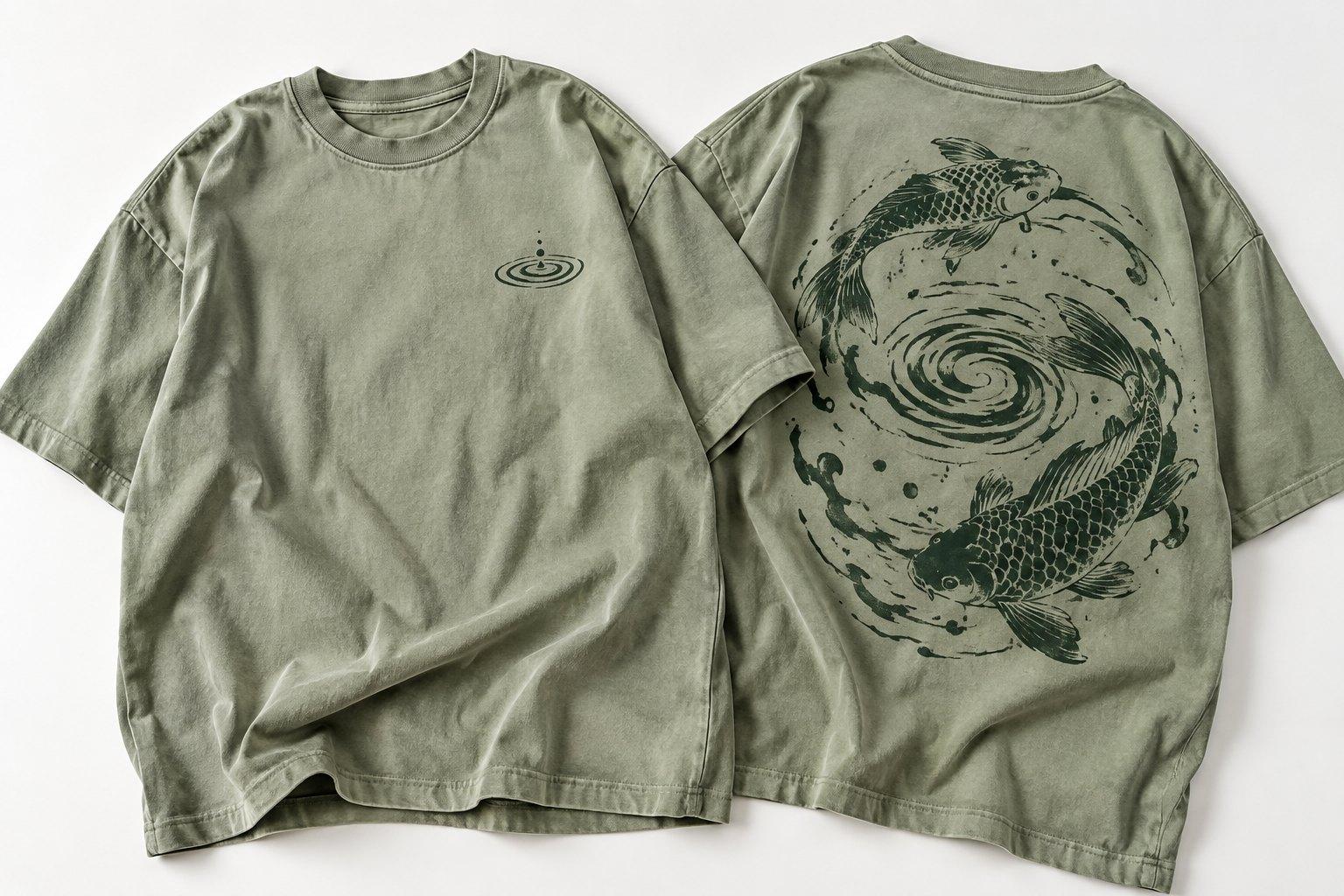
Need this made?Get pricing for this product: free, no obligation, 50 pieces minimum.
To design your own t-shirt for a brand, a team or a company, start with the job the shirt has to do, then settle the layout, the artwork and the print method, and see the design on the garment before anything is made. Our free Design Studio lets you put your own logo on a t-shirt and download the mockup, and every order starts from 50 pieces per design, with sizes mixed.
This guide covers how to make your own t shirt design that prints well, the layouts that work, how to choose the t shirt for designing on, and what really happens when you design t shirts online and send them to us. There is no basket and no checkout on our site: you design your t shirt, send it, get an itemised quote, approve a proof, and then we make the run.
How do you design your own t-shirt?
Whether you want to create your own shirt for a clothing label, make a custom shirt for a club or make t shirts for a staff day, the steps are the same:
- 1Decide what the shirt is for. A company t shirt design for staff, a sport t shirt design for a club and a graphic tee for a clothing brand need different layouts and often different print methods.
- 2Choose the blank. Our tees are combed ring-spun cotton from 150 to 240 GSM, in classic, fitted, relaxed and oversized boxy fits. That is the t shirt for designing on, so pick it before you size the artwork.
- 3Make the artwork: vector files for logos and lettering, high-resolution files for photos and illustrations (more on this below).
- 4Set the t shirt layout: where each design sits and how big it is.
- 5Try it on a mockup. Upload your logo to the Design Studio, place it and download the result.
- 6Send it for a quote, approve the proof, and production runs 10 to 15 working days after proof approval and the 50% deposit.
T-shirt layout: where your design sits
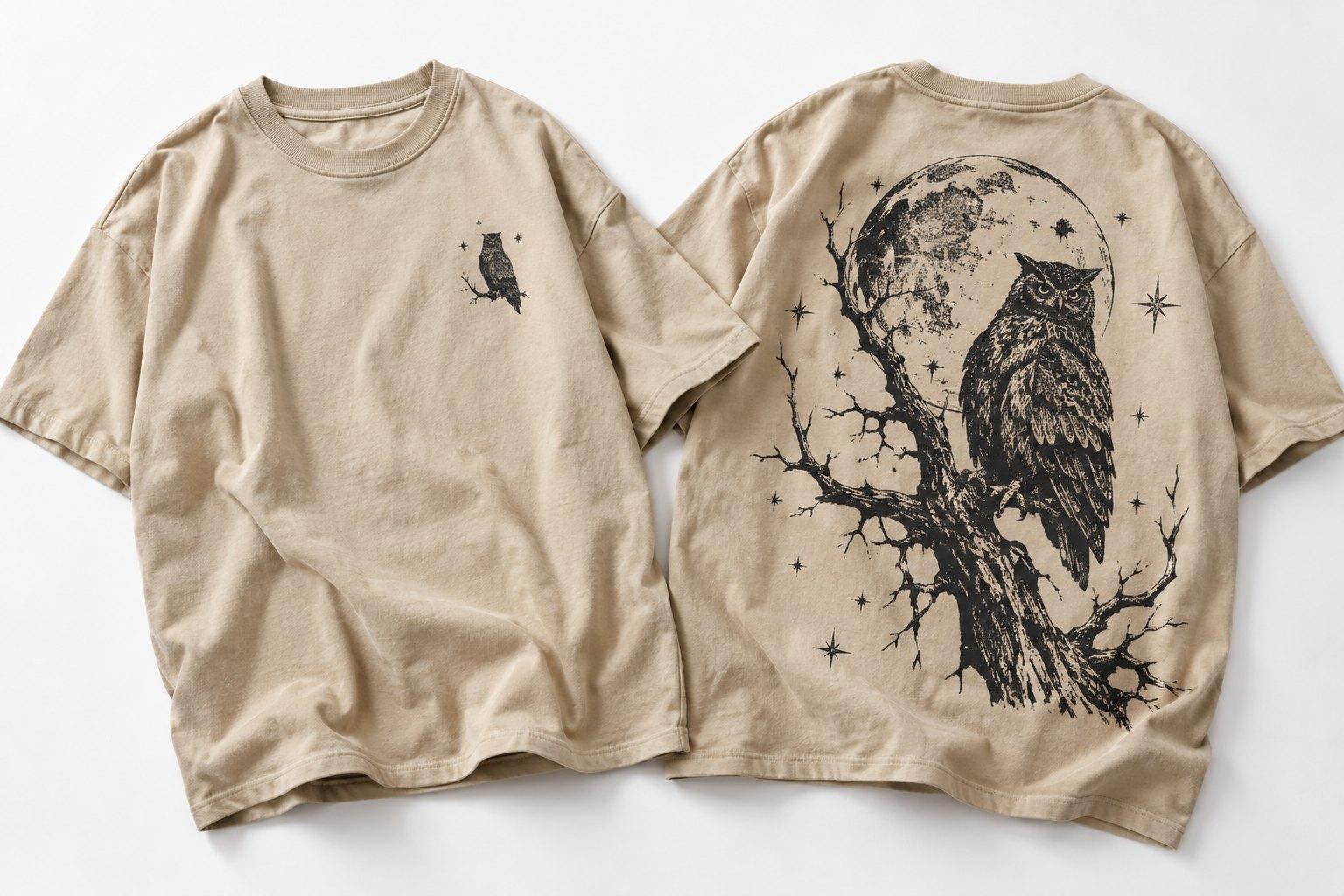
The shirt layout decides how a design reads from across a room. Most custom design t shirts use one or two of these positions, and you can combine them on one tee, with each extra placement priced on top of the first.
| Position | Typical use |
|---|---|
| Left chest | A small logo over the heart: the standard for staff wear and the cleanest own logo t shirt |
| Centre front | A medium mark across the chest, common on merch and event tees |
| Full front | A large graphic across most of the front, for t shirts with designs meant to be seen |
| Back | A full-back print, or a name and number on a sport t shirt design |
| Sleeves and back of the neck | Small secondary marks, a web address or a date |
Our logo placement guide gives typical sizes for each position, so a chest logo does not end up the width of a full-front print.
Graphics for t-shirts: what makes a design printable?
A printable t shirt design is one that survives the move from a screen to fabric, and every good custom shirt design starts there. Whether you create t shirt design artwork yourself or with a designer, a few habits make a t shirt print design work first time and show you how to make t shirt designs that print cleanly:
- Vector artwork (AI, EPS, PDF or SVG) for logos and lettering, so the edges stay crisp at any size.
- For photos and illustrations, a raster file at 300 dpi at the size it will print.
- A transparent background, unless the box behind the design is meant to print.
- Pantone references for brand colours that must match.
- Fonts outlined, or supplied with the file.
- Fewer colours where you can: in screen printing, each colour needs its own screen.
Our guide to preparing artwork files for custom printing goes further. If you need print design services, or want one team to design and print t shirts from a rough file, our team digitises artwork for production and proofs every mockup, so send what you have and we tell you if anything needs changing before the proof is drawn up.
Which print method suits your t-shirt design?
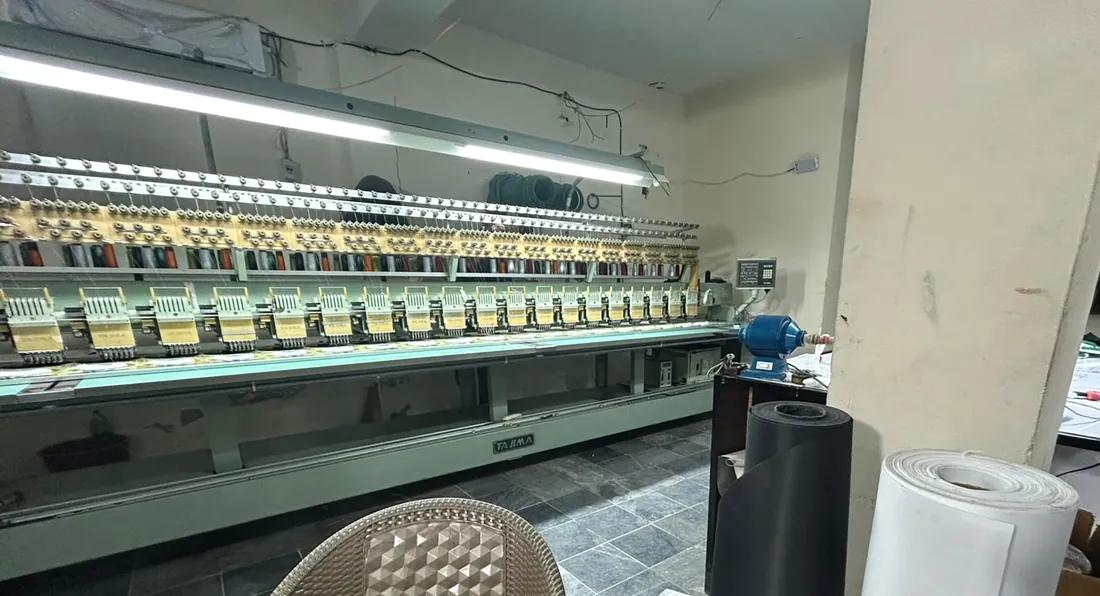
The method follows the artwork. Screen printing pushes ink through a mesh screen, one screen per colour, so it suits bold logos in a few solid colours on larger runs of one design. DTF prints the whole design onto a film in full colour and heat-presses it on, so photos and gradients need no extra setup. Embroidery stitches small chest and sleeve logos and is the most durable finish. Sublimation dyes all-over designs into polyester tees. DTG, puff print and heat-applied numbers are options too.
Our custom t-shirt printing page compares the methods side by side, and if you are unsure, send the artwork and we recommend one in the quote. That is the whole point of t shirt design and printing under one roof: the method is chosen for your design, not the other way round.
Can you design a t-shirt online and have it printed?
Yes, but not the way most t shirt websites work. A t shirt shop online usually sells one shirt at a time through a basket and checkout. We make t-shirts in runs for brands, teams and companies, so when you design t shirts online with us, the order is quoted rather than bought:
- 1Design your t-shirt in the Design Studio, or prepare your own file.
- 2Request a quote from the studio or the quote form, with the quantity and sizes. A real person replies with itemised pricing within an hour on working days.
- 3Approve a digital mockup showing the print at its real size and position. Nothing is printed before you approve it.
- 4Pay the 50% deposit. Production takes 10 to 15 working days, the balance is due when the order is ready to ship, and it ships tracked.
So when you design a shirt online and send it, you can print t shirts online in the sense that the whole order is handled online, from the first upload to tracked delivery, and you can print your own t shirt design without visiting anyone. There is no shop or collection point. What you cannot do is order custom t shirts online as one finished piece.
Using the Design Studio as a t-shirt design maker
The Design Studio is our free t shirt studio: no account, and it works on a phone. Pick the t-shirt and a colour, upload a PNG, SVG or JPG of your logo (up to 15 MB, and a white background can be removed for you), choose left chest, centre or full front, then drag and resize it. Download the mockup as a PNG to share with your team, or request a quote with it attached. Your artwork stays on your device until you send it to us yourself.
It places a logo or finished artwork rather than drawing one, so make a shirt design in your own software first, then use the studio to see it on the garment. It covers hoodies, sweatshirts, polo shirts and caps as well; our step-by-step studio guide walks through every control.
What does it cost to make t-shirts with your design?
Printed tees start from £11 each at the 50-piece minimum. The price moves with the quantity, the tee, the print method and number of colours, and the number of placements, and tiered pricing takes up to 35% off at 1,000 pieces or more. Sizes are mixed freely inside the minimum, and each colourway counts as its own design. Delivery is charged on weight and dimensions and quoted with the order. To hold a tee in your hands first, a sample costs £150 for one or two pieces with shipping included, credited against the bulk order. You can try quantities on the price calculator or see fabrics and fits on the wholesale t-shirts range.