How to Design Custom Apparel Online: A 5-Minute Step-by-Step Guide
By The Velocity Wear Team
Need this made?Get pricing for this product— free, no obligation, 50 pieces minimum.
Designing custom apparel used to mean emailing a logo and waiting days to see a mockup. Not anymore. With our online Design Studio you can go from a logo on your laptop to a photorealistic product preview in about five minutes — and it is free. Here is the step-by-step.
Step 1 — Choose your product
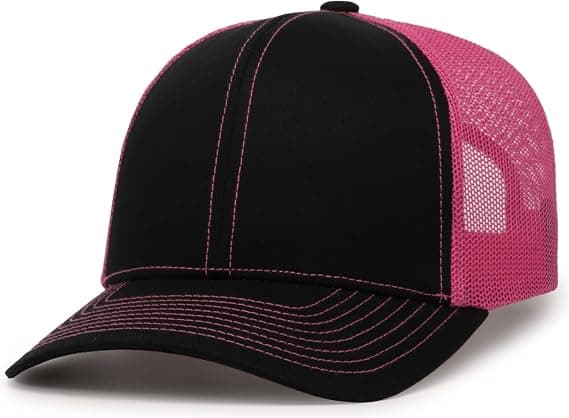
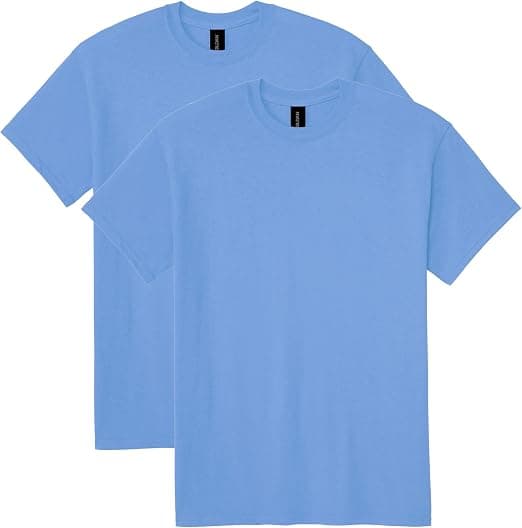
Start by picking what you want to make: a hoodie, t-shirt, sweatshirt, polo, cap, towel or tote bag. The studio renders a realistic version of that product you can design on directly.
Step 2 — Upload your artwork
Drag and drop your logo or design straight onto the garment. Vector files (AI, SVG, PDF) work best because they scale without losing quality, but a high-resolution PNG works too. You will see it land on the product instantly.
Step 3 — Pick your colour
Choose from a range of garment colours, or set a custom colour to match your brand exactly. Seeing your design on the real garment colour — rather than a white screen — is the single best way to avoid surprises.
Step 4 — Place your print
Position your design where you want it: left chest, centre or full front. Then toggle to the back of the garment and add a separate design there too — centre, left or right. A chest logo with a large back print is the classic premium combination, and now you can plan both before you order.
Step 5 — Preview in 3D and request a quote
Rotate the product to check how it looks from different angles, add an all-over pattern if you like, and when you are happy, request a quote straight from the studio. Our team makes your artwork print-ready, recommends the best decoration method, and sends an itemised price.
“Seeing your design on the actual product, in your brand colour, removes the guesswork that stops most first orders.”
Know the price as you design
Design and budget go together. While you are designing, use the instant price calculator to see a live per-piece estimate for your chosen product and quantity, with bulk-discount tiers built in. Design it, price it, order it — all in one sitting.